An old library at night, lamplight falling on one open book
BookPal beta

Welcome in.
Let’s get your books talking.

Thanks for testing BookPal. Download it for your Mac, then follow the five steps below.

Download BookPal for Mac

Needs macOS 14 Sonoma or later.

Getting started

Five steps
to your first answer.

  1. I

    Open BookPal.dmg from your Downloads, drag BookPal into your Applications folder, then open it.

    If your Mac asks whether to open an app from the internet, click Open.

  2. II

    Sign in with the email you were invited with, then type the 6-digit code we email you.

    It comes from hello@bookpal.ai within a minute. Not there? Check your Junk folder.

  3. III

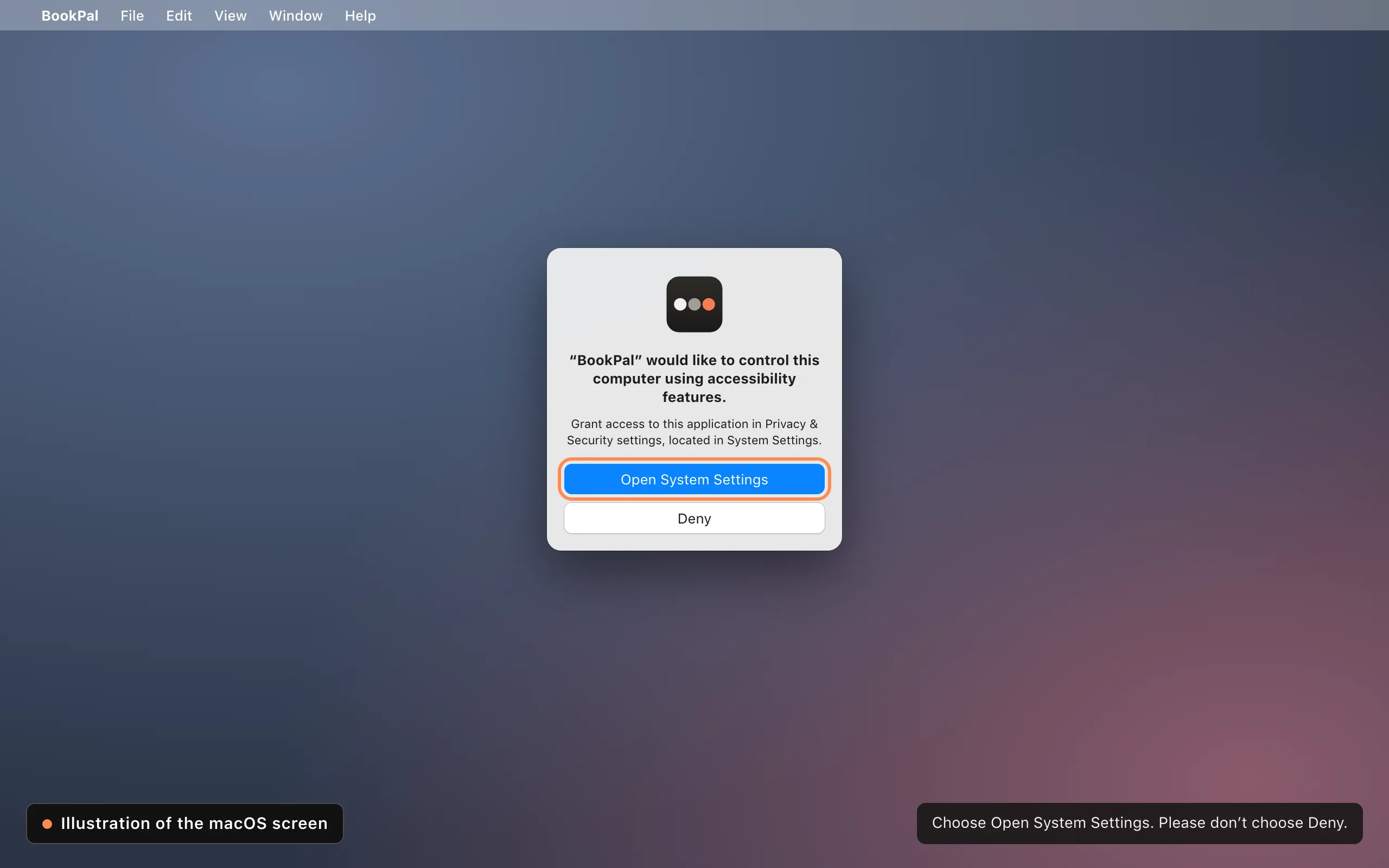
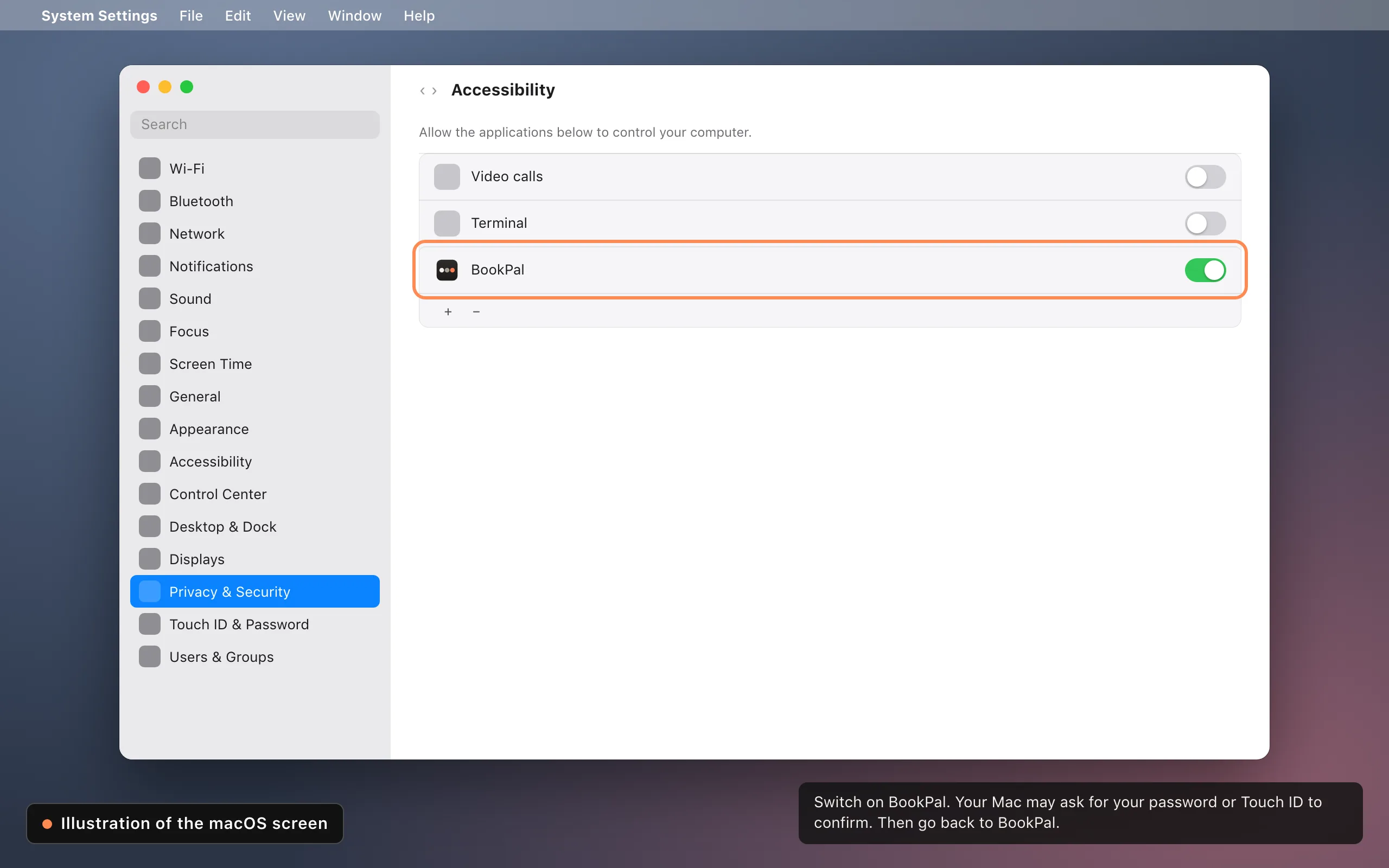
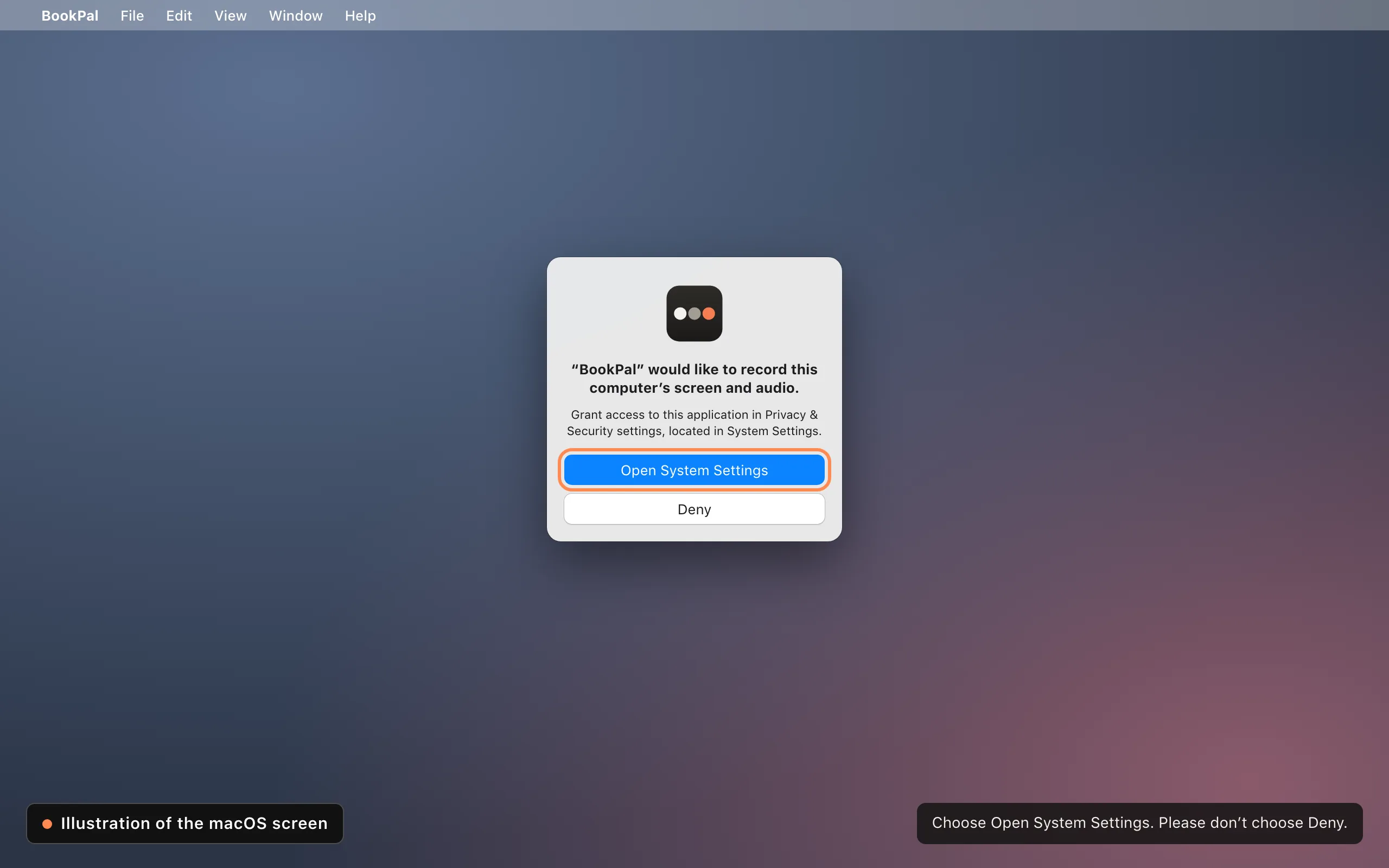
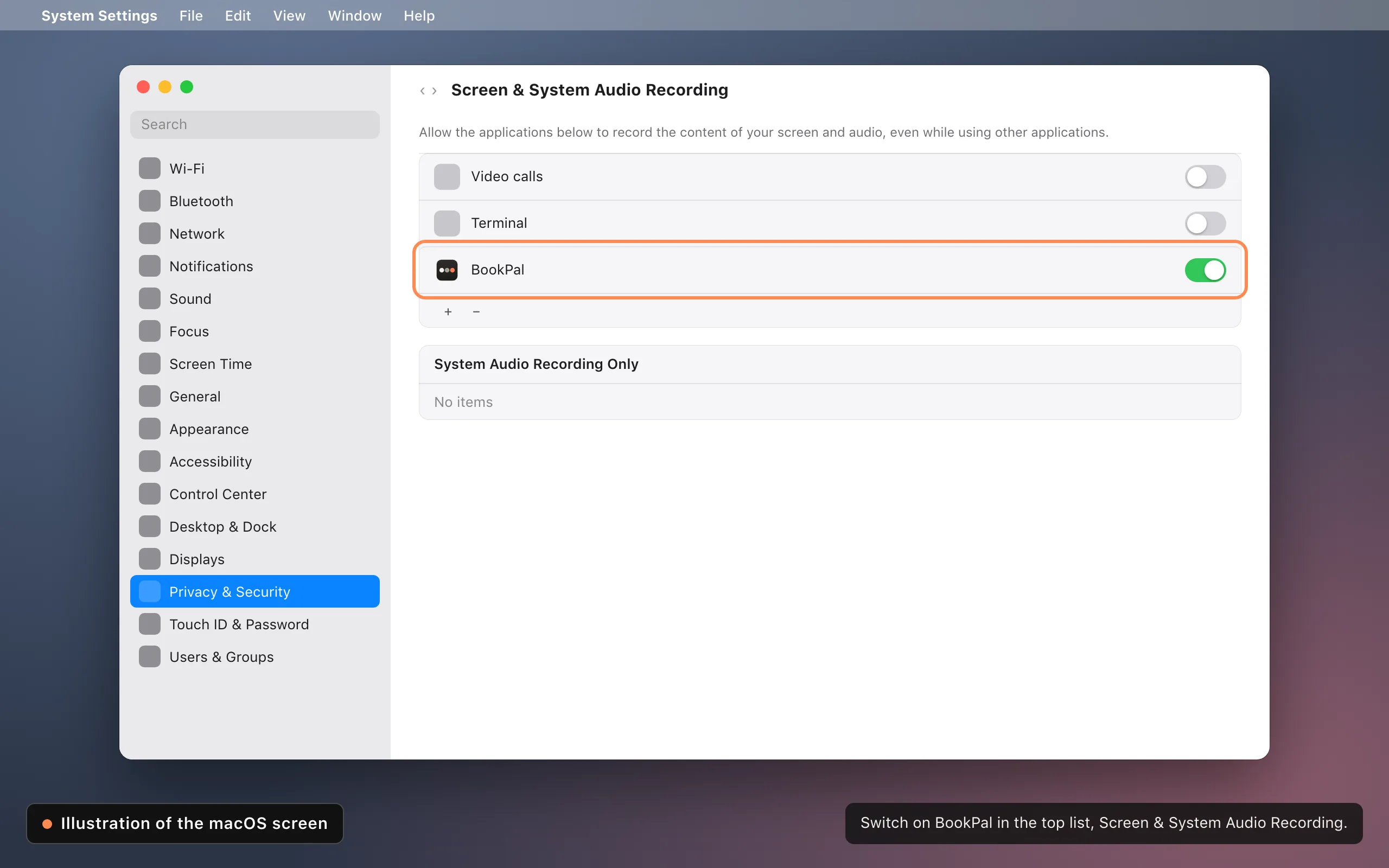
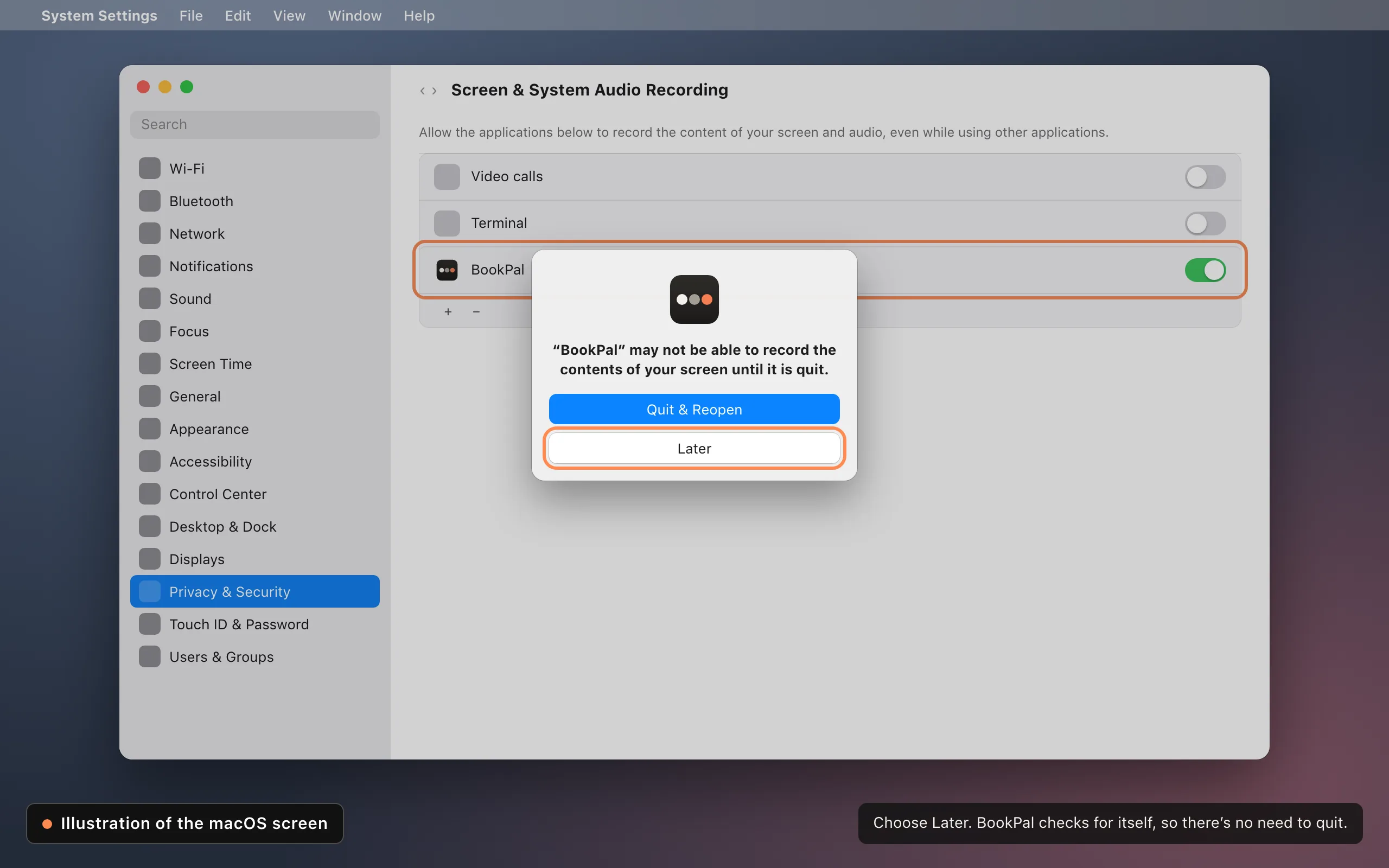
    Turn on the two switches BookPal shows you: one lets it turn the pages, and one lets it read the page on screen.

    It’s usually a one-time step, and BookPal shows you exactly where each switch is. See how, with pictures. BookPal is built to read only the pages you open.

  4. IV

    Open your book in Kindle, Apple Books, or another app where you keep your books.

  5. V

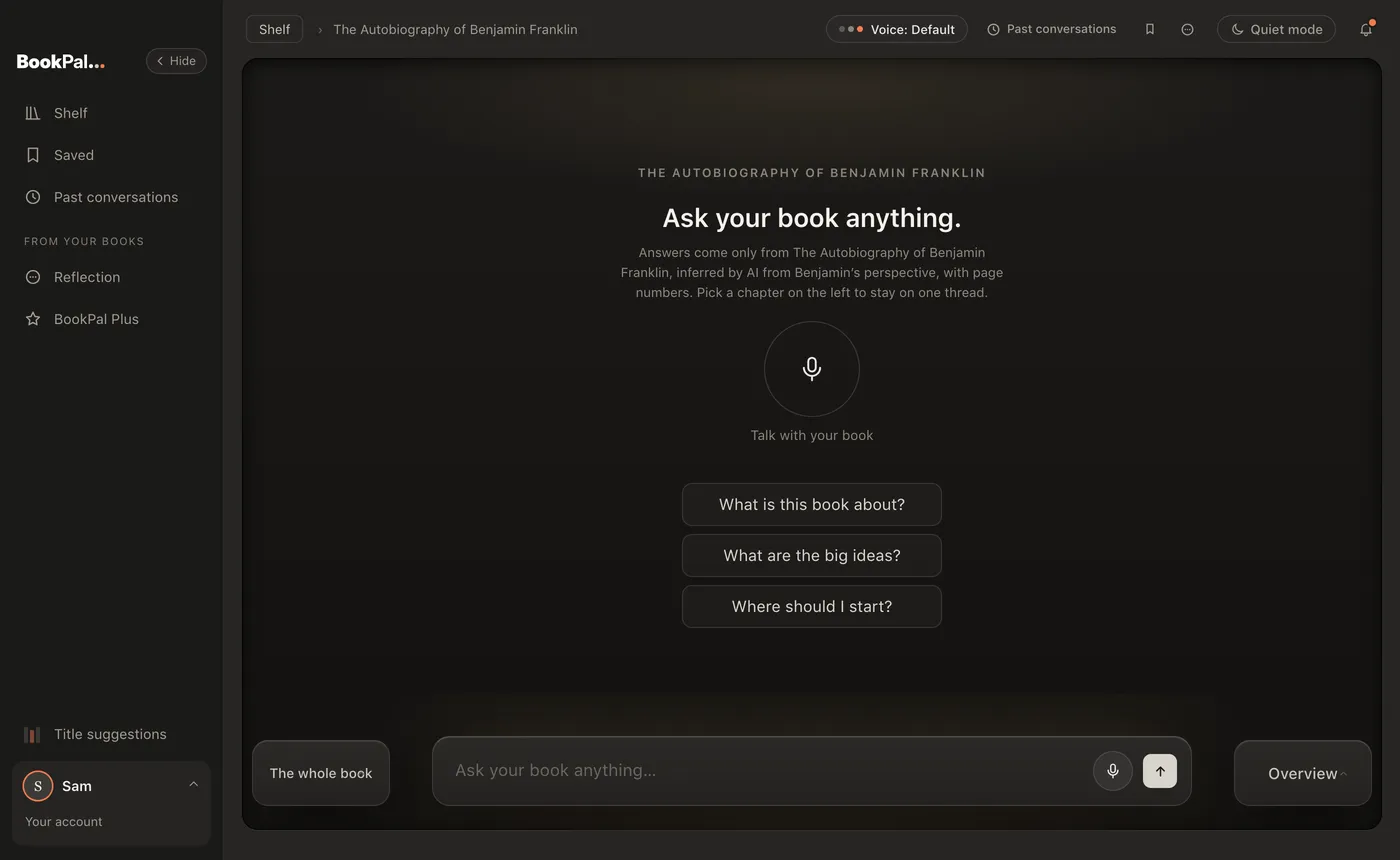
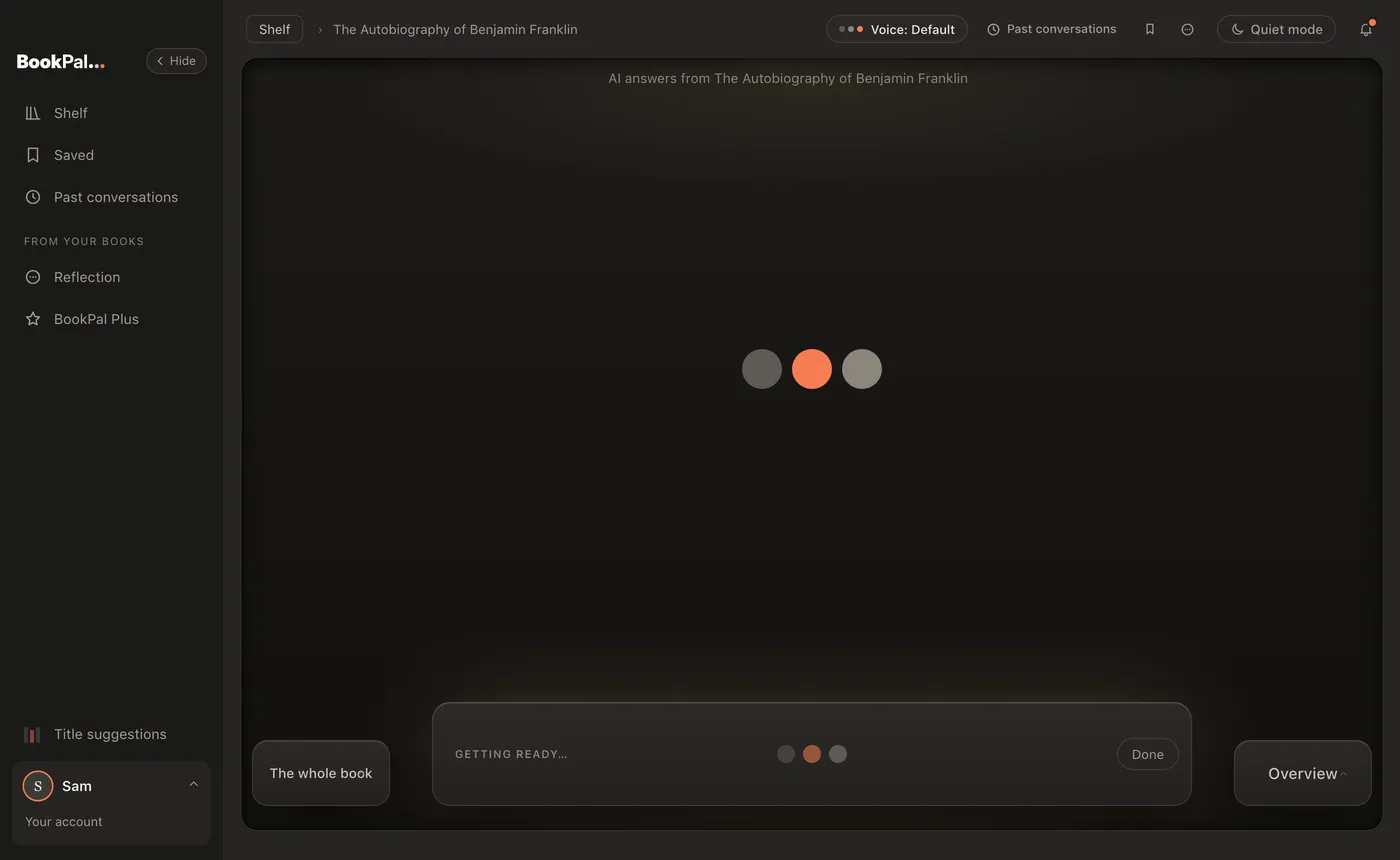
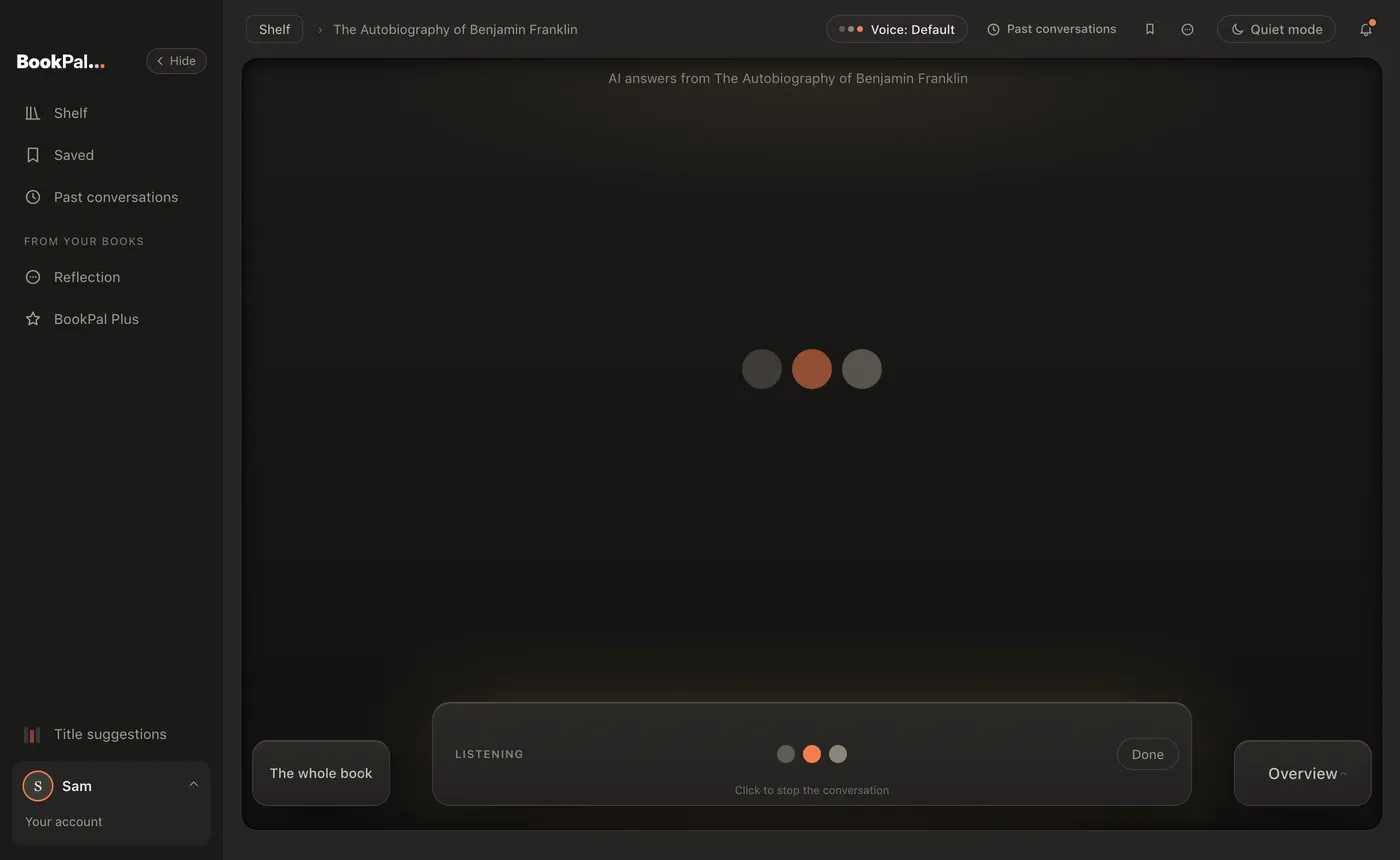
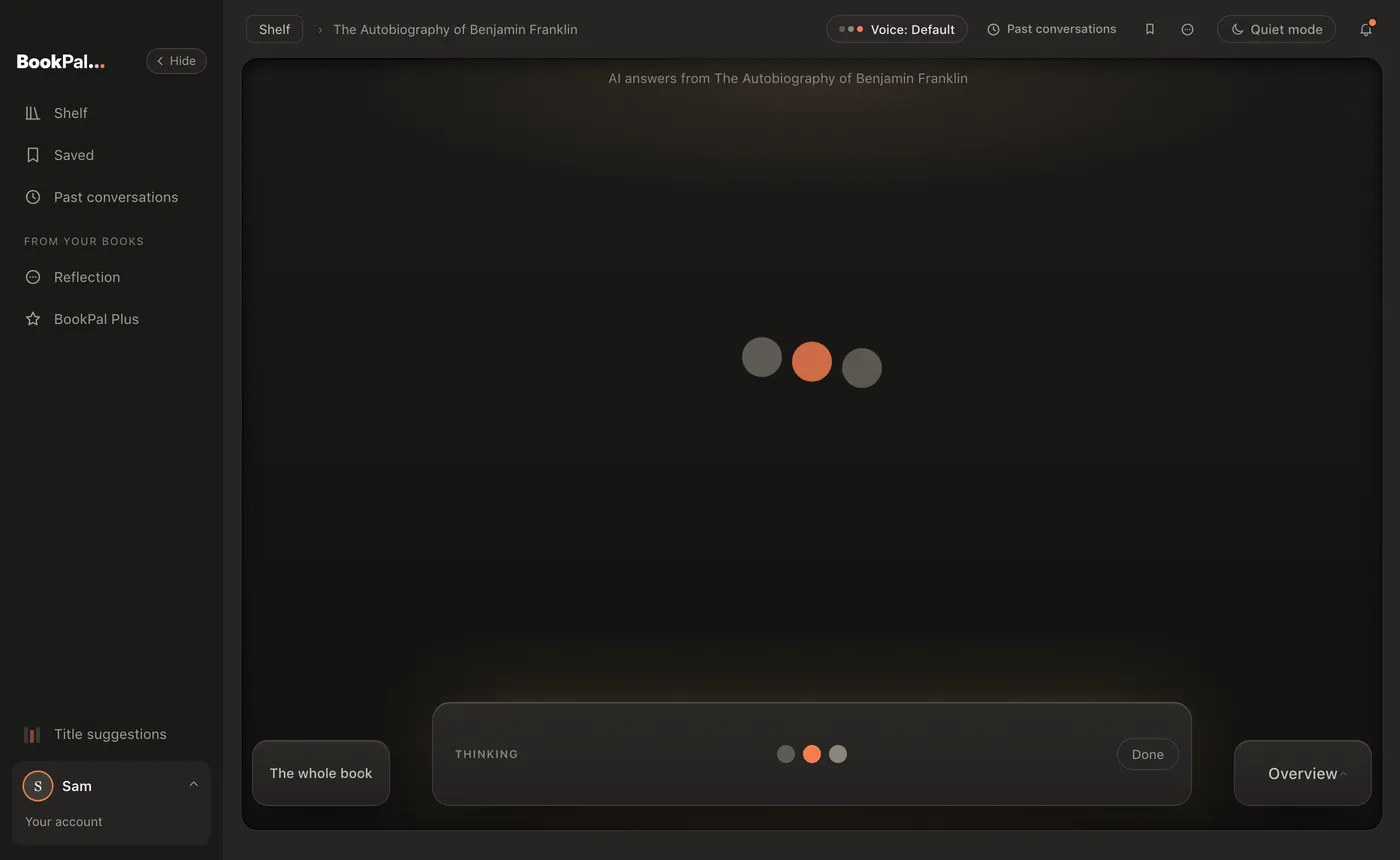
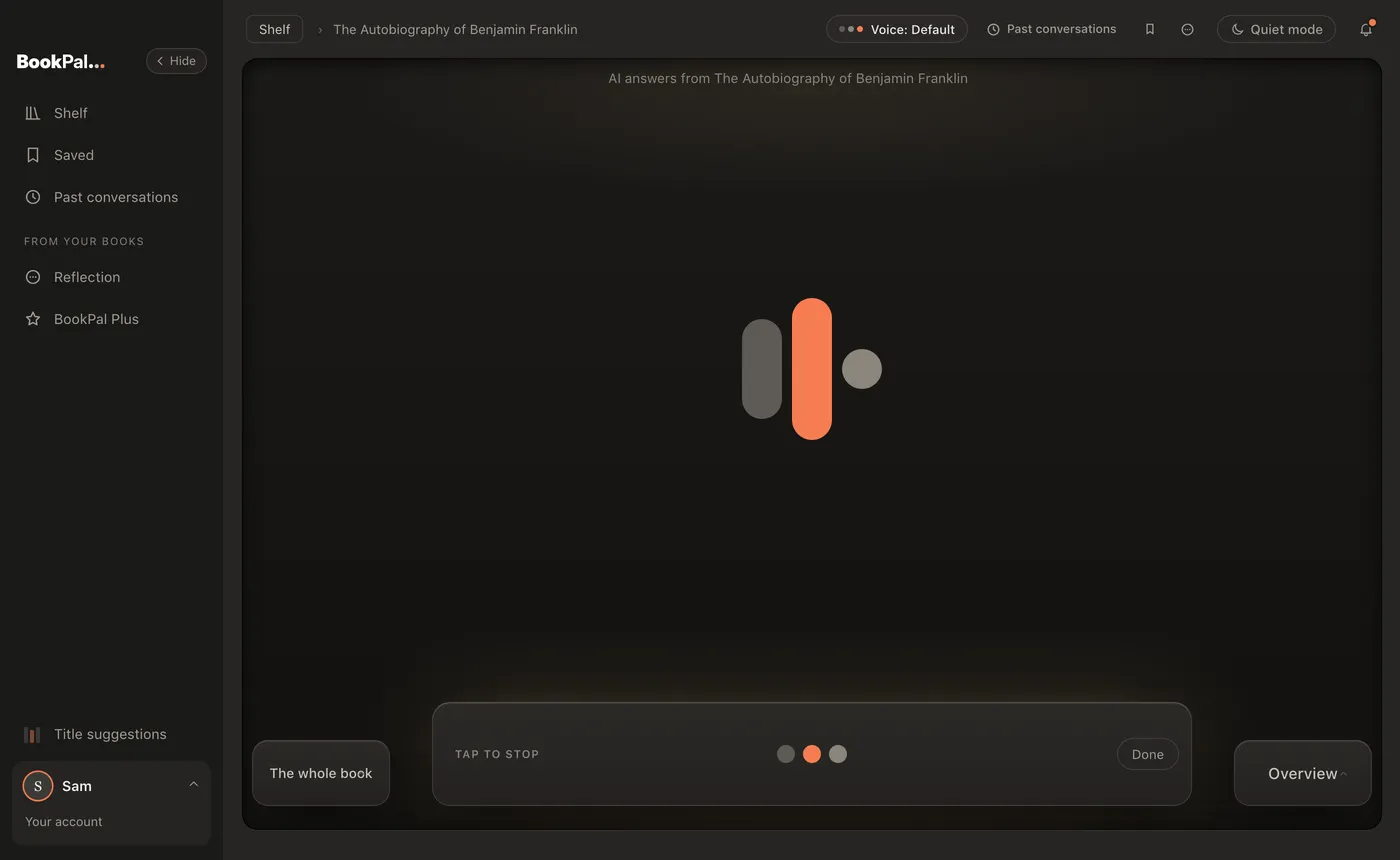
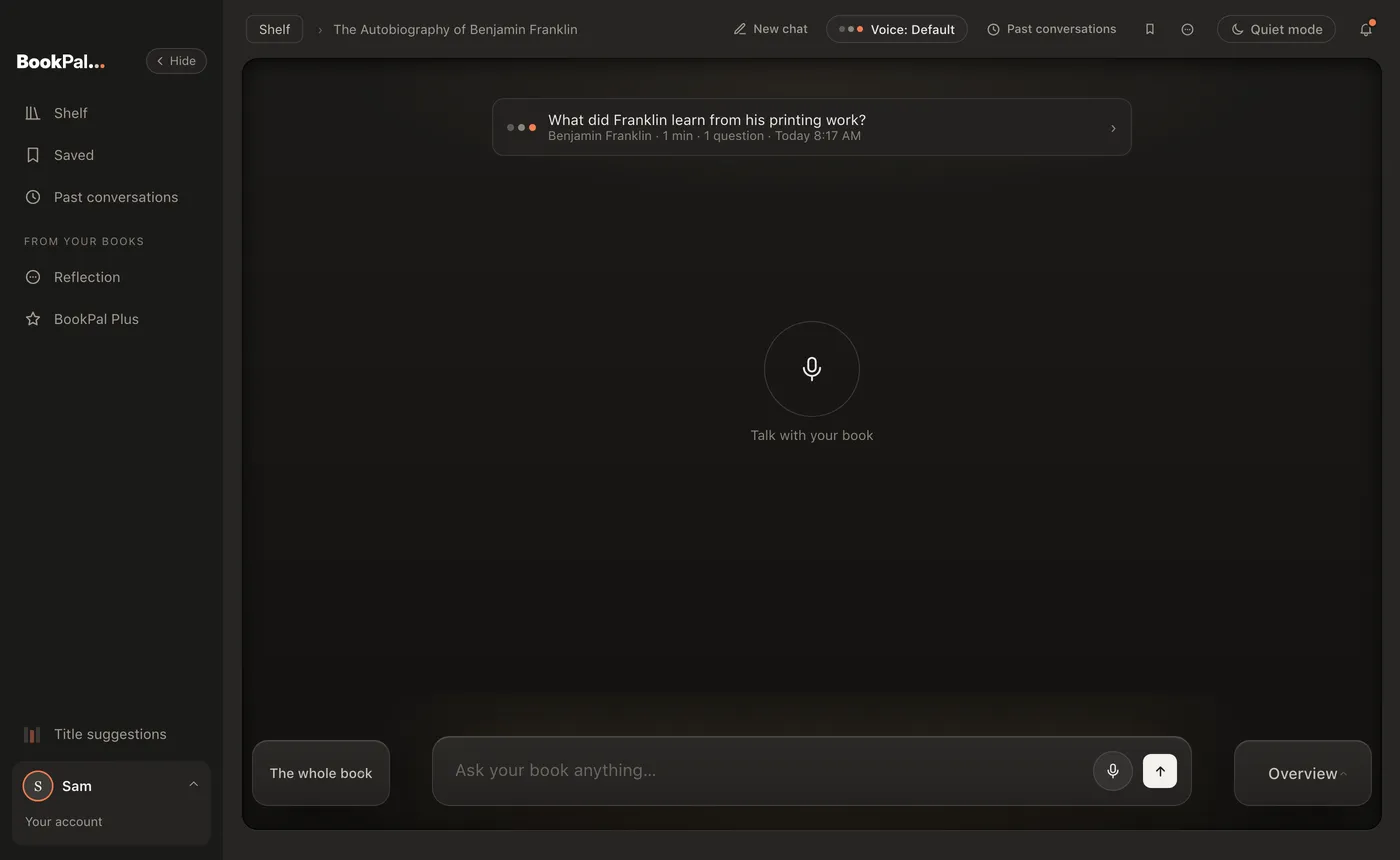
    Ask your book anything. Type, or just talk.

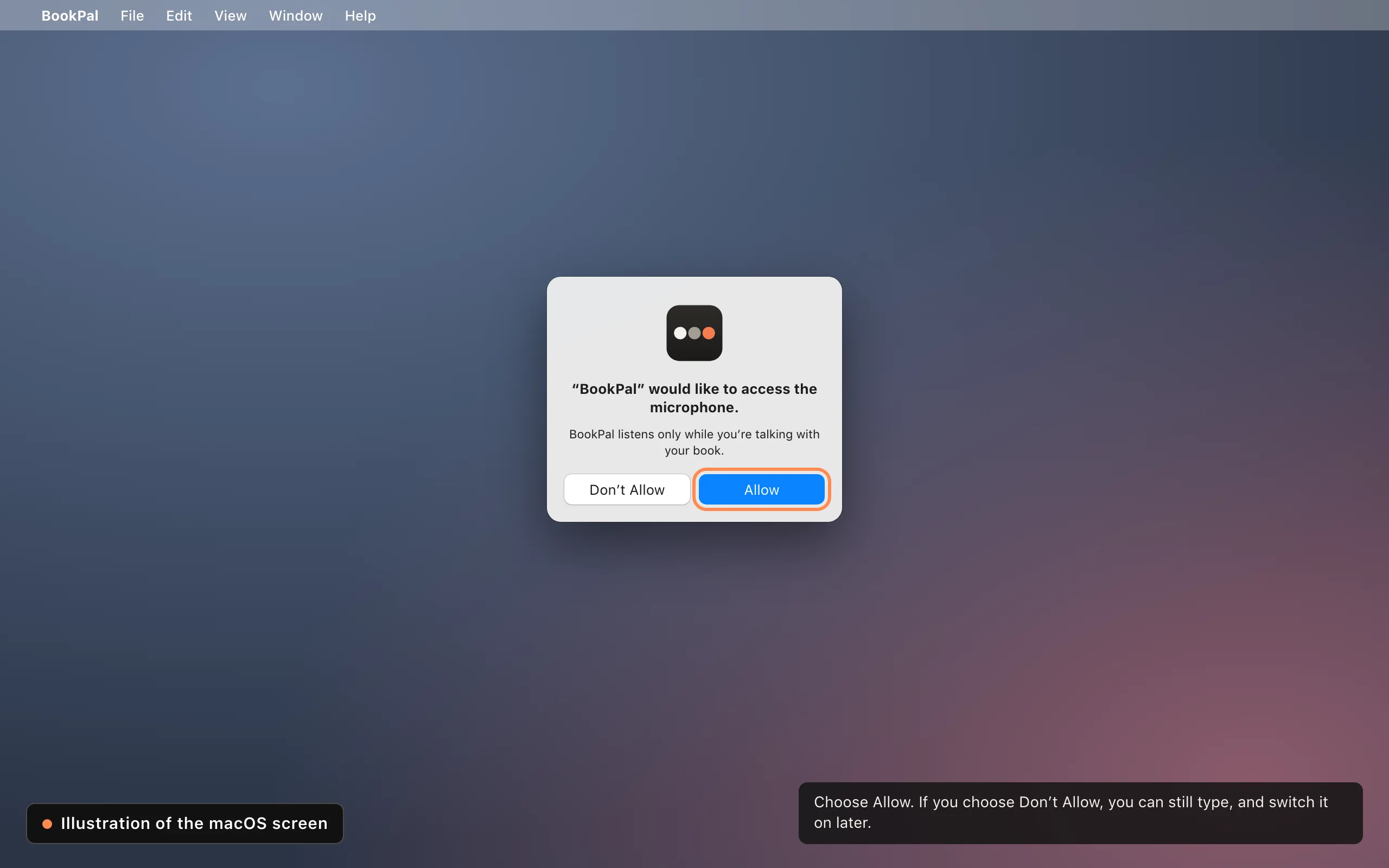
    To talk, click the mic. The first time, your Mac asks about the microphone: click Allow.

Stuck? Write to support@bookpal.ai and we'll help you get set up.

Picture guide

Need a hand with the switches?

Your Mac asks for two switches, usually just once.

Your beta

What testers get.

Plain and simple, so nothing surprises you.

FreeYour license, for a yearYour BookPal license is free for a full year.
Plenty leftA generous startYou start with 30,000 tokens ($30) for your first 30 days. Any you haven't used end on day 30. After that, asking questions uses tokens you add yourself, and we'll tell you how before your 30 days are up.
PlusBookPal Plus, on usAs a beta tester, your license and BookPal Plus features are free for your first year. Answers still use your tokens, with or without Plus.
Need more?If you use it allLet us know and we'll help you top up. Top-ups are paid, and nothing renews or charges on its own.
Feedback

Tell us everything.

Something confusing, broken or wonderful? That's exactly what we need to hear.

We'll check in on day one, again a few days in, and around week three. Each check-in is short. Please reply to each one. We read your replies, and they help shape what BookPal becomes.

How to tell us
  1. Reply to any BookPal email, or write to support@bookpal.ai. It comes straight to us.
  2. Add a screenshot if it helps. Screenshots can show book pages or personal details, so share only what helps.
Quick answers, any timeAsk Support Pal, BookPal's AI helper, inside BookPal. It answers questions about the app right away. Updates come to youWhen a new version is ready, BookPal shows an update card. Click Update and it restarts by itself.
Your privacy

Your books stay yours.

Your books are stored only on your Mac and are never used to train AI. To answer you, BookPal sends only the pages it needs and your question, securely, to our AI provider. Here's the full detail.

Thank you for being one of the first.

Write to us Back to the download